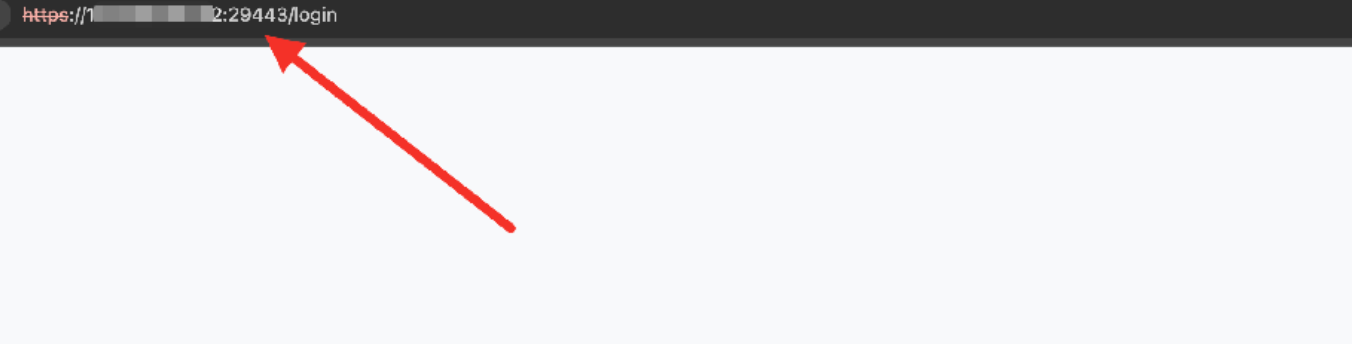
How to change the default 9443 port of SafeLine to another port?
Published a year ago
Published a year ago

ct-jaryn
Updated a year ago
0
Why Modify the Port?
The default management port for SafeLine is 9443. If this port is already occupied by another service on your machine or if you need to change it for security reasons, you must modify the configuration file to customize the management port.
How to Modify the Port
1.Edit the .env File
The .env file is located in the SafeLine installation directory (default: safeline).
Use ll -a to view hidden files.
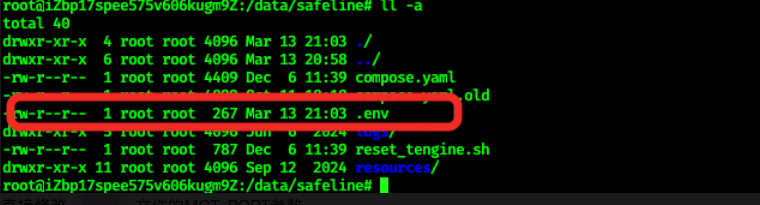
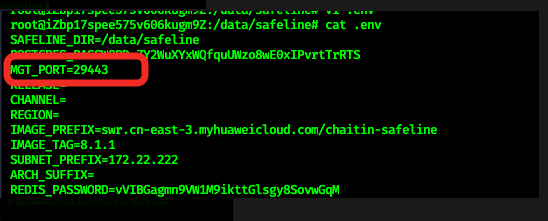
Modify the MGT_PORT parameter in the .env file.
Example: Change the port to 29443.
Verify the modification with cat .env.
2.Restart SafeLine
Run docker compose up -d in the installation directory.
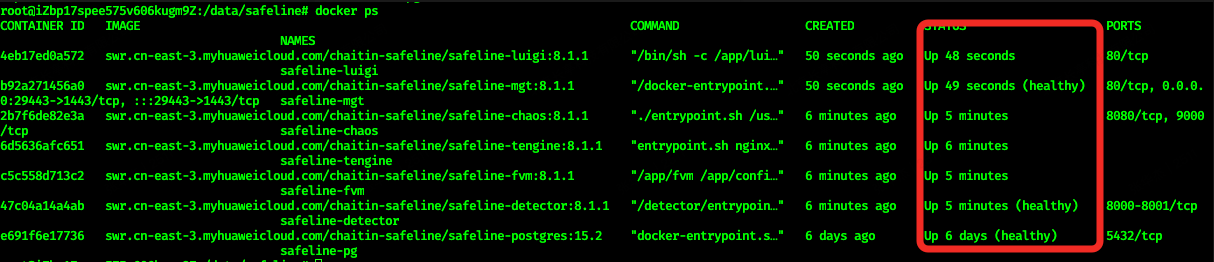
SafeLine WAF will restart automatically. Wait approximately 1 minute for the process to complete.

Check container status with docker ps (ensure all containers are running normally).
Confirm that SafeLine is listening on the new port (e.g., 29443) using:
ss -antp | grep LISTEN | grep 29443
3.Access SafeLine via the New Port